
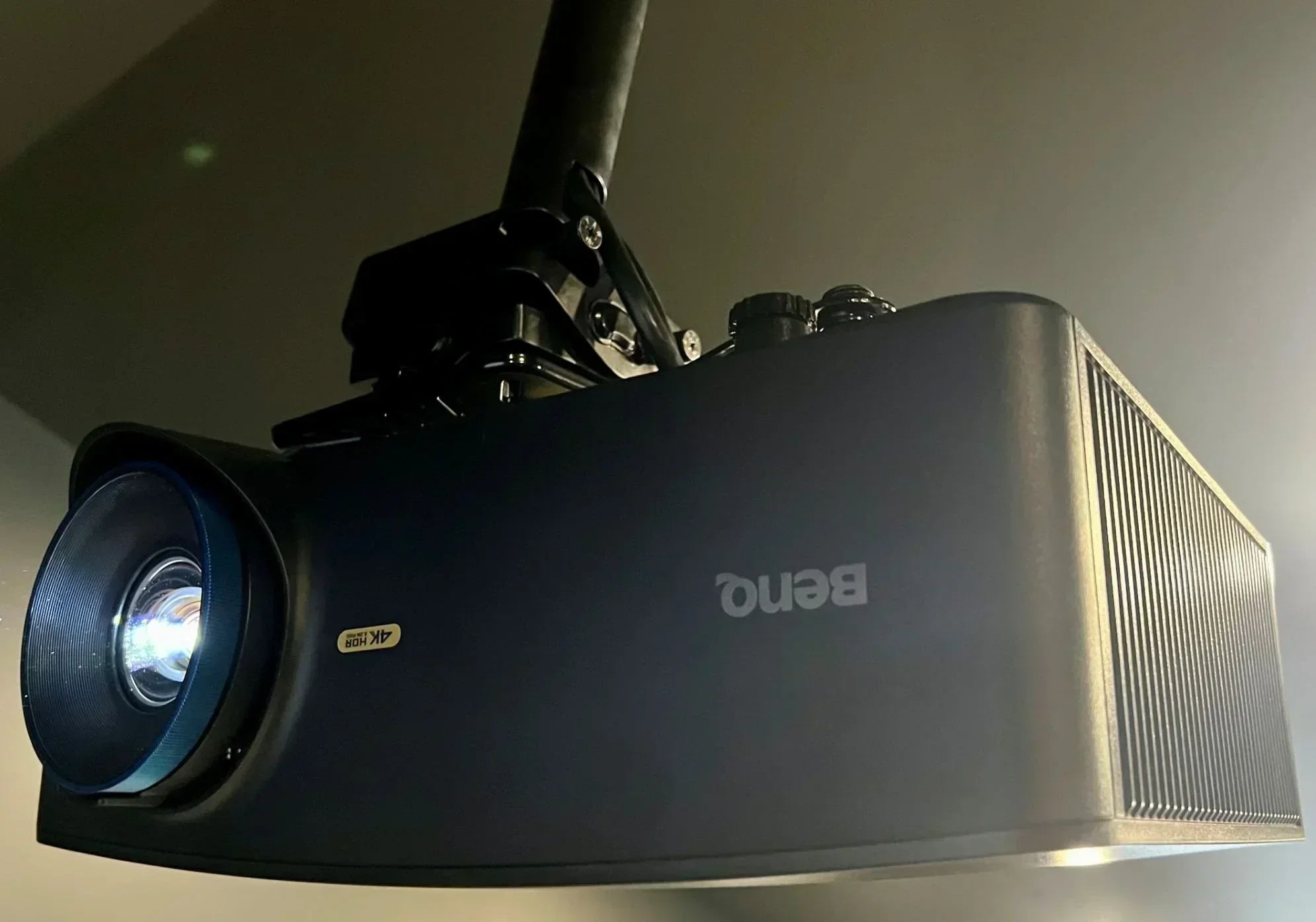
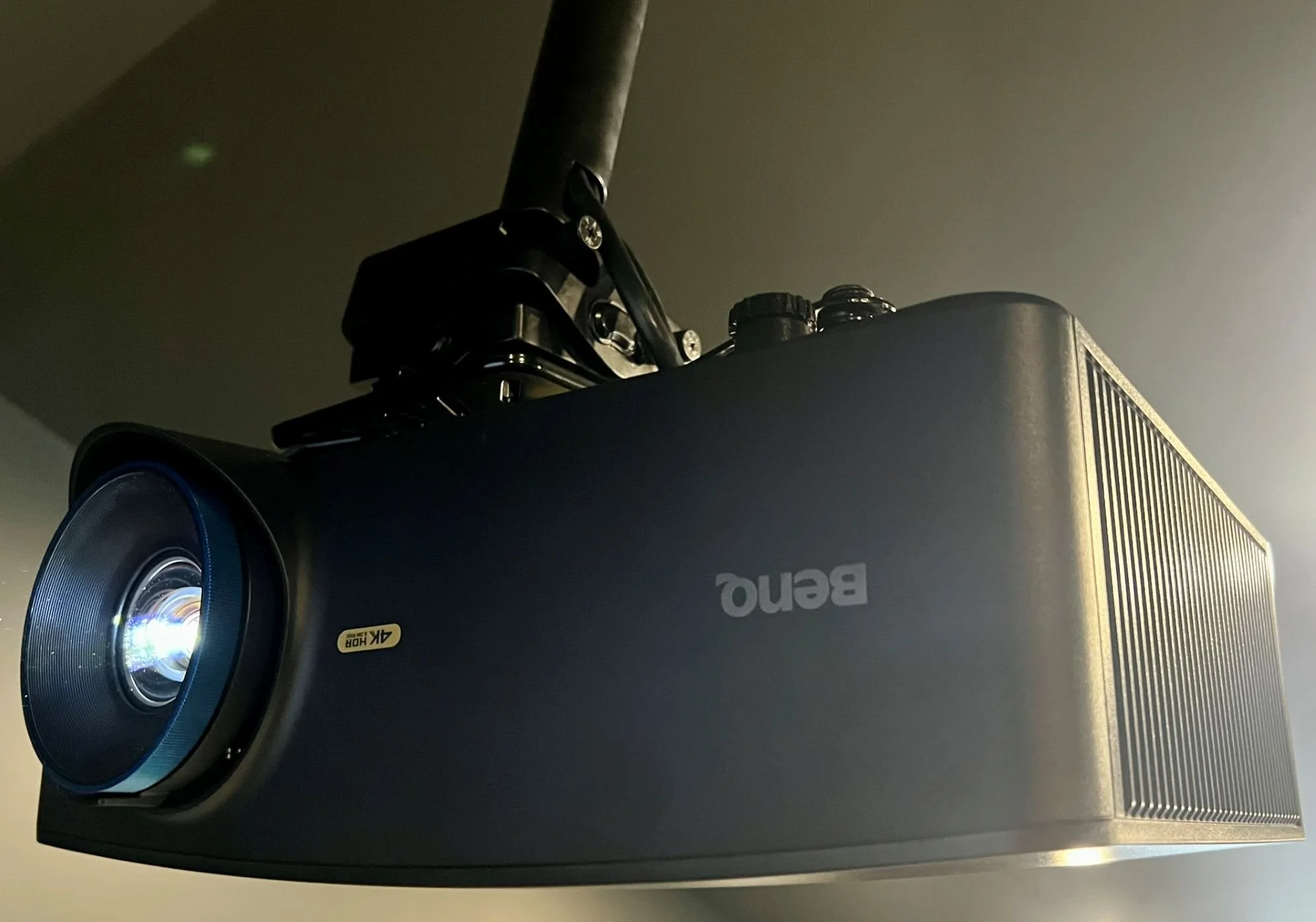
What it takes to maximize image quality and performance.
One of the biggest trends in golf simulator design over the last several years has been the growing demand for 4K projection.
That is not surprising. Simulator software continues to become more visually impressive, projector technology has advanced significantly, and manufacturers now offer more 4K options than ever before.
As a result, many golfers assume that purchasing a 4K projector automatically guarantees a true 4K experience.
The reality is more complicated.
A 4K projector can improve image quality, but it represents only one component of a much larger system. Screen dimensions, aspect ratio, room design, projector placement, computer performance, simulator software, and the signal path between the PC and projector all influence the final result.
Understanding how those elements work together can help golfers make better purchasing decisions and avoid costly mistakes when planning a simulator build or upgrade.
What Does 4K Actually Mean?
At its simplest, 4K refers to image resolution. In consumer projection, the more precise term is 4K UHD, which uses a resolution of 3840 x 2160.
A standard Full HD image uses a resolution of 1920 x 1080, or approximately 2.07 million pixels. A 4K UHD image uses 3840 x 2160, or approximately 8.29 million pixels, four times as many as Full HD.
That additional pixel count can produce finer detail, sharper textures, clearer user interfaces, and a more refined overall image. However, achieving the best possible 4K simulator experience requires considerably more than simply purchasing a 4K projector.
HD and WUXGA Still Have a Place
It is important not to diminish the value of Full HD and WUXGA projection.
Full HD remains a very capable format for golf simulators. Even before 4K became widely available, a well-designed HD system could deliver an impressive, immersive projected image and it still can. With the right projector, screen, lighting conditions, and computer, Full HD offers an excellent experience for many simulator environments.
WUXGA is another strong option. With a native resolution of 1920 × 1200, it provides slightly more vertical resolution than Full HD and uses a 16:10 aspect ratio. In rooms where a taller screen makes sense, WUXGA can be an especially practical fit.
For many simulator builds, 4K is a premium upgrade rather than a necessity. Choosing HD or WUXGA can be a meaningful way to stretch the budget further or invest in another part of the system such as a better impact screen, turf, hitting mat, room lighting, acoustics, gaming PC, or launch monitor.
The Screen Matters More Than Most People Realize
One of the biggest misconceptions surrounding 4K projectors is the assumption that every impact screen can display a perfect 4K image. Most projectors are designed around a native 16:9 aspect ratio, meaning the screen should ideally match that same format in order to display every available pixel.
At SimCaddy, whenever room dimensions allow, we prefer to design simulators around a true 16:9 screen format that matches the projector's native aspect ratio. When the screen and projector do not perfectly match, part of the projected image may be cropped or some screen area may be unused.
That does not mean a 4K projector loses its value. It simply means that the final image is influenced by the entire system rather than the projector alone.
My Own Simulator Is a Good Example
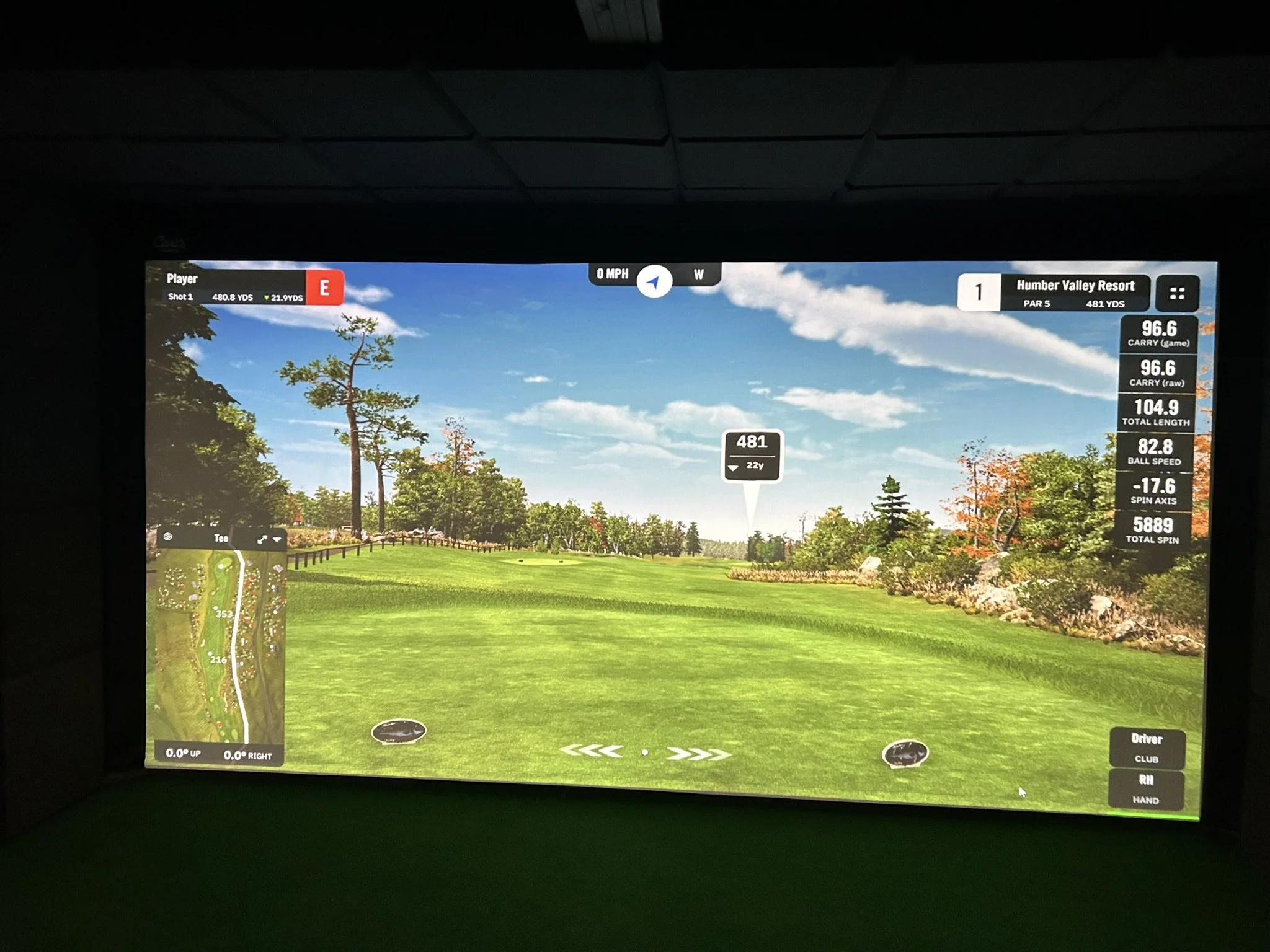
My impact screen measures approximately 156 inches wide by 96 inches high, creating an aspect ratio of roughly 1.625:1.
That is narrower than a standard 16:9 image. With a 16:9 projector, I can either preserve the full image and accept a small amount of unused screen area above and below it, or fill the screen and crop a small amount from the sides.
Even though my new projector is capable of producing a 4K UHD image, I will not be displaying a perfect pixel-for-pixel 16:9 image across the entire screen. That may sound disappointing, but it really is not.
The improvement in image sharpness, detail, and overall visual quality compared with my previous projector will still be substantial. The lesson is not that 4K does not matter. The lesson is that room design and screen dimensions continue to influence the final result.
A 4K Experience Requires More Than a 4K Projector
Every component in the system must be capable of supporting the intended resolution.
The gaming PC must be powerful enough to render simulator software at 3840 x 2160. The graphics card must maintain smooth performance, and the software must be configured to take advantage of the additional detail. As course rendering, terrain detail, lighting effects, shadows, and reflections improve, the demand on the PC increases.
The signal path matters as well. The graphics card output, HDMI cable, adapters, wall plates, AV receivers, switchers, extenders, and projector input all need to support the intended 4K signal.
This is especially important in golf simulators, where the projector may be a significant distance from the PC. A cable or adapter that works perfectly at 1080p may not be reliable at 4K. Depending on the distance and system design, a longer run may require an active optical HDMI cable or a properly specified fibre-based extension solution.
One incompatible component can become the bottleneck, causing intermittent signal loss, failed handshakes, reduced refresh rates, or the system falling back to a lower resolution.
This is why we encourage customers to think about projectors, software, gaming computers, and signal infrastructure as parts of a complete system rather than independent purchasing decisions.
Resolution Is Only One Part of Image Quality
Resolution is important, but it is only one part of image quality. Brightness, contrast, colour reproduction, screen material, room lighting, graphics performance, projector placement, focus, and calibration all contribute to the final experience.
A bright, well-calibrated projector operating in a properly designed room will often produce a better overall experience than a higher-resolution projector operating under less favourable conditions.
Is 4K Worth It?
For many golfers, the answer is absolutely yes.
Modern simulator software continues to improve, and higher-resolution projectors can significantly enhance the visual experience. Course textures appear sharper, environmental details become more refined, and the overall presentation feels more immersive.
It is also worth remembering that the practical benefit of 4K depends on viewing distance and screen size. Golfers standing 10 to 15 feet away from a large impact screen may not perceive the same dramatic increase in detail that they would notice when sitting close to a computer monitor.
The human eye can only resolve so much detail at a given screen size and viewing distance. Beyond that point, additional resolution produces diminishing returns.
That helps explain why 8K has remained a niche option rather than becoming a mainstream requirement. It is not that 8K has no value in every application, but for many golf simulator environments, the added detail is difficult to appreciate from normal viewing distances. The extra cost, processing power, graphics demands, and limited practical benefit often make 4K the more sensible target for a premium build, but not necessarily for every build.
Final Thoughts
There is no question that 4K projection technology offers meaningful advantages in the right golf simulator environment. The images are sharper, the details are more refined, and the overall experience can be incredibly impressive.
However, 4K is not the only path to a great simulator. Full HD and WUXGA remain capable, practical, and often better-value choices for many golf simulator builds.
Whether the answer is HD, WUXGA, or 4K, screen dimensions, aspect ratio, room design, projector placement, computer performance, software, lighting, and signal-path infrastructure all influence the final result.
The best golf simulators are rarely the result of a single piece of technology. They are the result of thoughtful system design, where every component works together to achieve the desired outcome.
That is what SimCaddy aims to help golfers build.
About the Author
Tom Murray is the founder of SimCaddy, a Certified Technology Specialist (CTS), and a passionate golfer with a keen interest in golf technology and game improvement. Combining professional audiovisual design principles with real-world simulator experience, Tom helps golfers navigate the complexities of launch monitors, projection systems, simulator software, gaming PCs, and room design. Through SimCaddy, Tom focuses on helping golfers understand what is possible and creating simulator experiences that deliver lasting value.
Share:
Can a Golf Simulator really improve your game?